
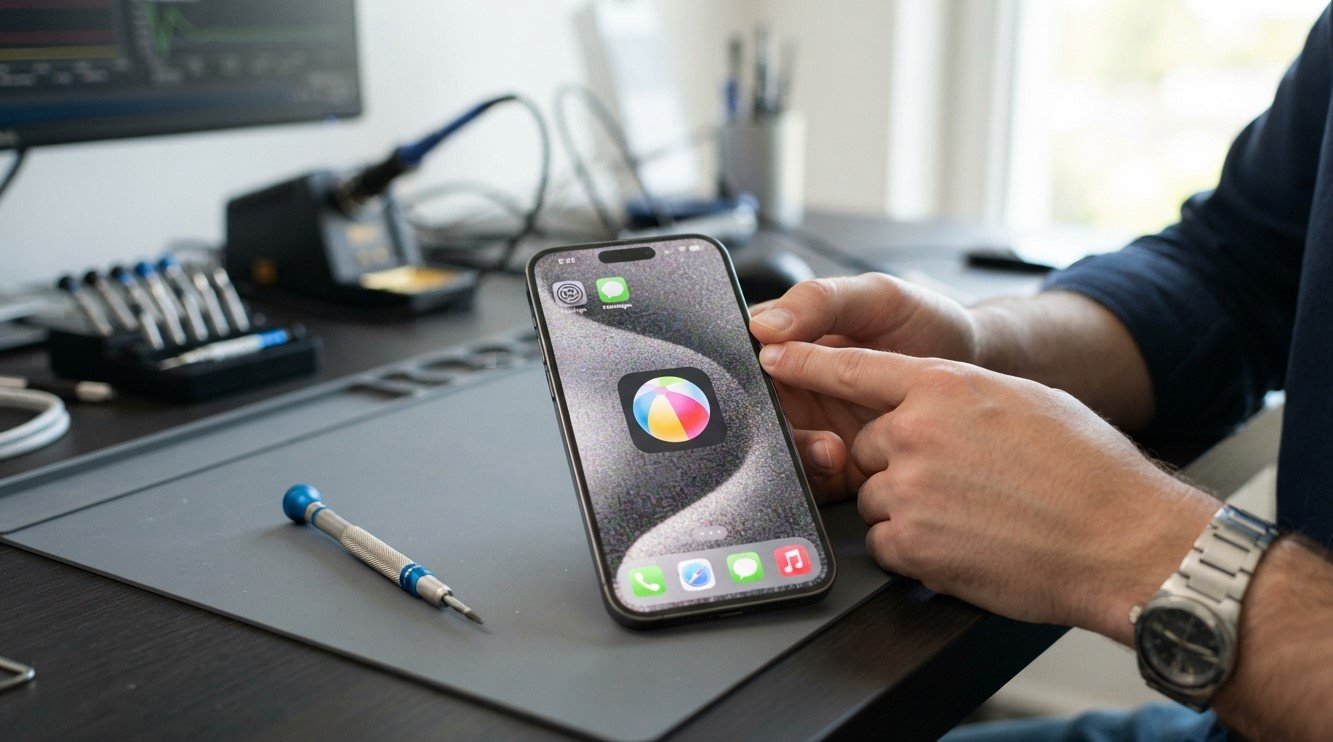
An iPhone that frequently freezes or stops responding can make everyday tasks frustrating. Whether apps suddenly stop working, the touchscreen becomes unresponsive, or the device gets stuck on one screen, identifying the cause is the first step toward a solution. Precision Fix helps customers explore smartphone repair options, including iPhone screen repair Albany services. If your device continues experiencing problems, visit Precision Fix for professional repair assistance in Albany, NY.
Table of Contents
- Common Reasons Your iPhone Keeps Freezing
- How to Fix an Unresponsive iPhone
- When to Seek Professional Repair
- Frequently Asked Questions
- Final Thoughts
1. Common Reasons Your iPhone Keeps Freezing
Several issues can affect your iPhone’s performance.
Low Storage Space
When your iPhone has very little available storage, apps may run slowly, crash, or freeze unexpectedly.
Outdated iOS Software
An older iOS version may contain bugs or compatibility issues that affect device performance.
Too Many Background Processes
Multiple active apps and demanding processes can use system resources and make your iPhone less responsive.
Faulty or Incompatible Apps
Some applications may contain bugs or become incompatible with your current iOS version, causing unexpected freezing.
Battery or Hardware Problems
An aging battery or damaged internal component may contribute to performance issues, unexpected shutdowns, or unresponsiveness.
Touchscreen Damage
If the display is cracked or the touchscreen does not register touches properly, your iPhone may appear frozen even when other functions are working.
2. How to Fix an Unresponsive iPhone
Try these troubleshooting steps to improve your device’s performance.
Force Restart Your iPhone
A force restart can resolve temporary software freezes.
- iPhone 8 and newer: Quickly press and release Volume Up, then Volume Down. Hold the Side button until the Apple logo appears.
- iPhone 7 and 7 Plus: Hold the Volume Down and Side buttons together until the Apple logo appears.
- iPhone 6s and earlier: Hold the Home and Side or Top buttons together until the Apple logo appears.
Free Up Storage Space
Go to Settings > General > iPhone Storage. Review large apps, unused downloads, and unnecessary files. Back up important data before deleting anything you may need.
Update iOS
Check Settings > General > Software Update and install an available compatible update.
Update or Reinstall Problematic Apps
Visit the App Store to check for app updates. If one particular app repeatedly freezes, consider reinstalling it after confirming your data is backed up.
Close and Reopen the Frozen App
If only one application is unresponsive, close it and launch it again. This may resolve a temporary app issue.
3. When to Seek Professional Repair
If your iPhone continues freezing after troubleshooting, the problem may involve the display, battery, or internal hardware. A professional diagnosis can help identify the cause.
Precision Fix provides smartphone repair assistance in Albany, NY. Customers looking for iPhone screen repair Albany can also ask about available diagnostics and other iPhone repair options.
4. Frequently Asked Questions
Why does my iPhone freeze randomly?
Low storage, software bugs, problematic apps, and hardware issues can cause random freezing.
Can low storage make an iPhone unresponsive?
Yes. Limited storage can affect app performance and overall system responsiveness.
Will force restarting delete my data?
A force restart normally does not delete your personal data.
Should I update iOS if my iPhone keeps freezing?
Yes. Installing a compatible update may resolve software bugs affecting performance.
When should I get my iPhone checked?
If freezing continues after basic troubleshooting or the touchscreen stops responding regularly, consider professional inspection.
5. Final Thoughts
An iPhone that keeps freezing may be affected by limited storage, outdated software, problematic apps, touchscreen damage, or internal hardware issues. Trying a force restart, freeing storage, and updating apps may solve common problems. If the issue persists, Precision Fix can help you explore iPhone screen repair Albany and other smartphone repair solutions. For professional assistance, visit Precision Fix in Albany, NY, and discuss your iPhone’s symptoms with the repair team.