
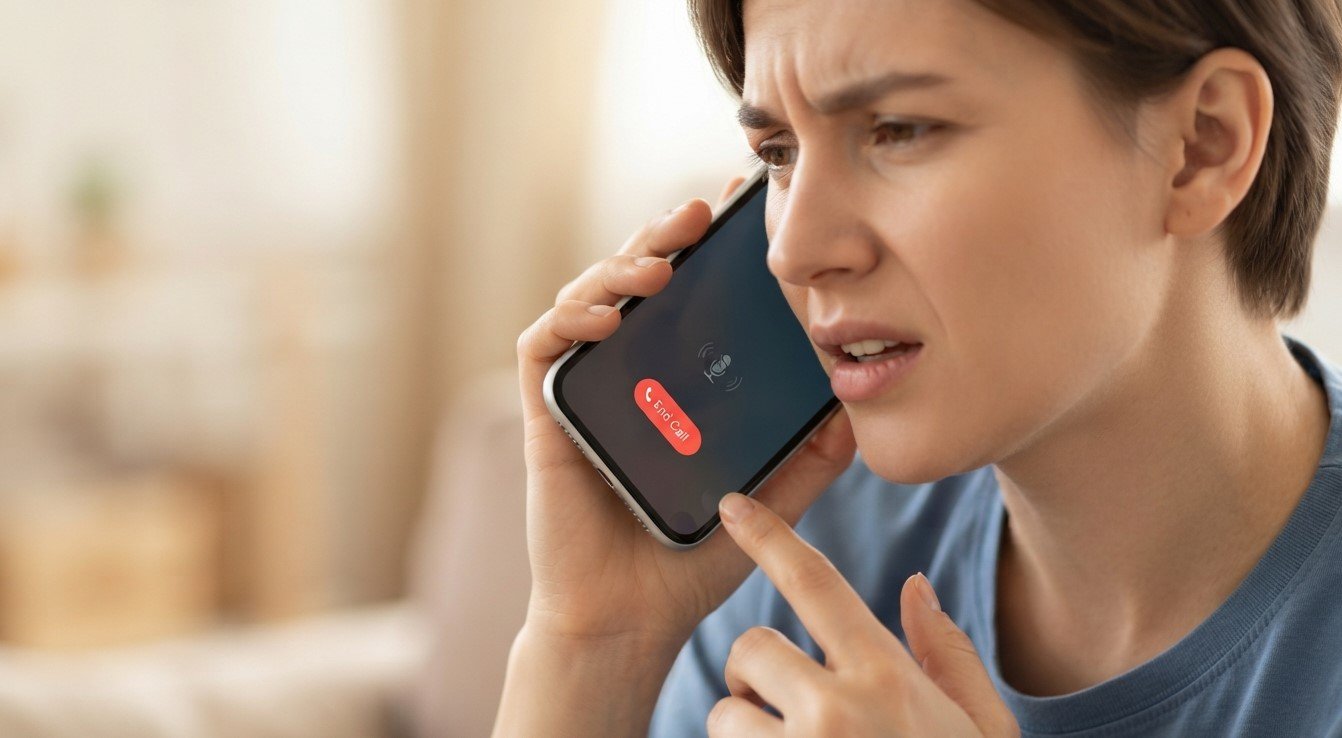
When people struggle to hear you during phone calls, the problem may be caused by a blocked microphone, incorrect settings, or a hardware issue. A quiet microphone can make everyday conversations frustrating, but a few simple checks may help identify the cause. Mobile Phone Repair Albany can help users understand common phone problems and explore repair options. If you’re looking for the best cell phone repair in Albany, start with these troubleshooting tips before arranging a repair.
Table of Contents
- Common Reasons Your Phone Microphone Is Quiet
- How to Fix a Quiet Microphone
- When to Seek Professional Repair
- Frequently Asked Questions
- Final Thoughts and CTA
1. Common Reasons Your Phone Microphone Is Quiet
Dirt or Debris Blocking the Microphone
Dust, lint, or debris can collect around the small microphone openings and reduce sound pickup. A case or screen protector may also cover a microphone unintentionally.
Incorrect Call or App Settings
Some calling apps have audio settings that affect microphone input. Bluetooth devices may also route your voice through a headset or car system instead of the phone’s microphone.
Software Glitches
Temporary operating system errors or app problems can interfere with microphone performance.
Microphone Damage
A phone that has been dropped or exposed to liquid may have a damaged microphone or internal connection.
Network or Call Quality Problems
Poor signal or a problem with the other person’s device can sometimes make your voice sound unclear, even when your microphone is working normally.
2. How to Fix a Quiet Microphone
Try these steps to narrow down the cause:
Check the Microphone Openings
Remove your phone case and inspect the microphone openings for visible debris. Clean the outside gently with a soft, dry brush or cloth. Do not insert pins or sharp objects into the openings.
Disconnect Bluetooth Devices
Turn off Bluetooth temporarily and make a test call. This helps check whether your voice was being routed through a connected headset or accessory.
Test the Microphone in Another App
Record a short voice memo or video, then listen to it. If your voice sounds normal in a recording but quiet during calls, the issue may be related to the calling app, network, or call settings.
Restart Your Phone
Restarting may clear a temporary software problem. After the phone turns back on, make another test call.
Check App Permissions and Updates
Make sure the calling app has permission to use the microphone. Update the app and your phone’s operating system if compatible updates are available.
Test in a Different Location
If the issue happens only in certain places, try calling from an area with a stronger signal. This can help rule out network-related call quality problems.
3. When to Seek Professional Repair
If your microphone remains quiet across calls, recordings, and different apps, the microphone or its internal connection may be damaged. Professional inspection is also recommended if the issue began after a drop or liquid exposure.
A technician can check the microphone and related components to determine whether cleaning, repair, or replacement is needed.
4. Frequently Asked Questions
Why can people barely hear me on calls?
A blocked microphone, incorrect audio routing, software issue, weak network connection, or damaged component may be responsible.
Why does my microphone work in recordings but not calls?
The problem may be related to the calling app, call settings, Bluetooth routing, or network quality.
Can a phone case make my microphone quieter?
Yes. A case that covers or obstructs a microphone opening can reduce sound pickup.
Will restarting my phone fix a quiet microphone?
It may help if the cause is a temporary software glitch, but it will not fix physical damage.
Should I repair my phone if the microphone stays quiet?
If basic troubleshooting does not help and the problem affects multiple apps, professional inspection can identify whether a repair is needed.
5. Final Thoughts and CTA
A quiet phone microphone may be caused by debris, Bluetooth audio routing, software issues, poor call quality, or hardware damage. Check the microphone openings, test another app, and disconnect Bluetooth before seeking repair. If the problem continues, Mobile Phone Repair Albany can help you explore suitable repair options. For those searching for the best cell phone repair in Albany, visit Mobile Phone Repair Albany to have your device checked and discuss the next steps.