
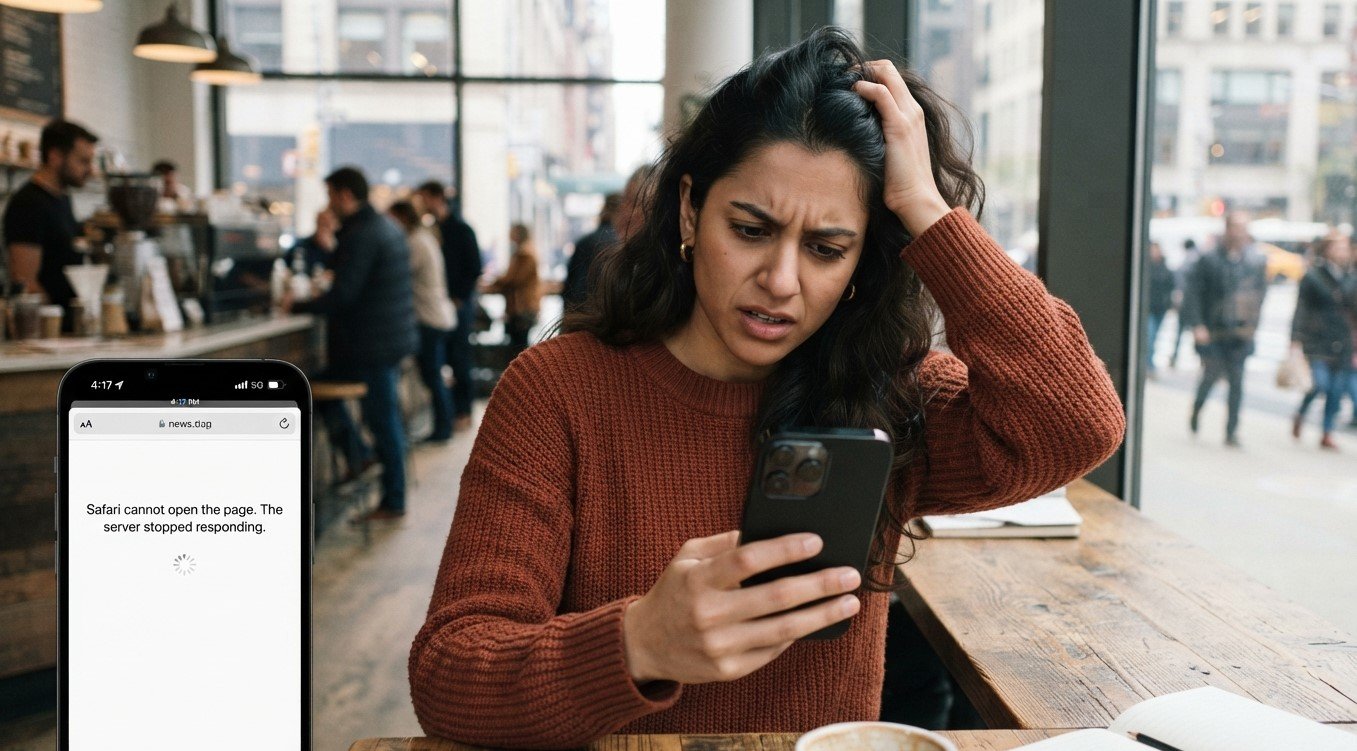
Have you ever noticed your iPhone displaying full signal bars but struggling to load websites, stream videos, or use online applications? This can be frustrating, especially when you need a reliable internet connection while traveling or working.
Full signal bars do not always guarantee a stable mobile data connection. The problem may be related to carrier settings, network congestion, software glitches, or internal hardware issues. Understanding these causes can help you find the right solution. iPC Repair Houston helps users explore smartphone troubleshooting and professional cell phone repair Houston solutions when technical problems persist.
Table of Contents
- Why Full Signal Bars Don’t Guarantee Mobile Data
- Common Reasons Your iPhone Loses Cellular Data
- How to Fix iPhone Cellular Data Problems
- When Do You Need Professional Repair?
- Frequently Asked Questions
- Contact iPC Repair Houston
1. Why Full Signal Bars Don’t Guarantee Mobile Data
Signal bars generally indicate cellular signal strength, not the actual quality or speed of your internet connection. Your iPhone may have a strong connection to a nearby cell tower but still experience problems accessing mobile data.
This can happen because of network congestion, carrier restrictions, temporary outages, or technical issues affecting the phone’s cellular connection.
2. Common Reasons Your iPhone Loses Cellular Data
Several factors can cause this problem.
Network Congestion
When many people use the same cellular tower, network traffic can increase. This may result in slow internet speeds or temporary data interruptions.
Incorrect Cellular Settings
Incorrect network selections or disabled cellular data settings can prevent applications from accessing the internet properly.
Outdated Carrier Settings
Carrier settings help your iPhone communicate with your mobile network provider. Outdated settings may sometimes cause connectivity problems.
iOS Software Glitches
Temporary software errors or outdated iOS versions can interfere with cellular connectivity and mobile data performance.
SIM Card Problems
A damaged or improperly seated SIM card may cause inconsistent network communication. eSIM configuration issues can also affect connectivity.
Internal Hardware Damage
Damage to the cellular antenna or related internal components can interfere with network performance, particularly after accidental drops or liquid exposure.
3. How to Fix iPhone Cellular Data Problems
Try these troubleshooting steps before seeking professional assistance:
- Toggle Airplane Mode: Turn it on for approximately 10 seconds, then turn it off.
- Check Cellular Data: Open Settings > Cellular and make sure Cellular Data is enabled.
- Restart Your iPhone: Restarting may resolve temporary connectivity glitches.
- Check Carrier Settings: Go to Settings > General > About and check for available carrier updates.
- Update iOS: Install available software updates.
- Check Your Data Plan: Contact your carrier to confirm that your plan is active and you have available data.
- Reset Network Settings: If necessary, use Settings > General > Transfer or Reset iPhone > Reset > Reset Network Settings. This removes saved Wi-Fi networks and passwords and resets network preferences.
4. When Do You Need Professional Repair?
If cellular data continues disconnecting after troubleshooting, your iPhone may have a hardware-related problem. A technician can inspect the cellular antenna, SIM components, and other network-related hardware.
For dependable cell phone repair Houston assistance, iPC Repair Houston can help assess smartphone connectivity problems and identify suitable repair options.
Professional diagnosis is especially important if the issue started after physical damage, liquid exposure, or a previous repair.
5. Frequently Asked Questions
Why does my iPhone show full bars but have no internet?
Strong signal bars do not guarantee mobile data access. Network congestion, carrier problems, incorrect settings, or hardware faults may interrupt internet connectivity.
Can a SIM card cause cellular data problems?
Yes. A damaged SIM card or incorrect eSIM configuration can interfere with cellular connectivity.
Will resetting network settings fix the problem?
It may resolve issues caused by incorrect network configurations, but it will not fix physical hardware damage.
Can a damaged antenna affect mobile data?
Yes. A faulty cellular antenna or related component can cause unstable network connectivity.
6. Contact iPC Repair Houston
Losing cellular data despite having full signal bars can make everyday smartphone use difficult. While basic troubleshooting may resolve temporary problems, persistent connectivity issues should be properly diagnosed.
If your iPhone continues experiencing mobile data interruptions, visit iPC Repair for professional assistance. Contact iPC Repair Houston to explore repair solutions and get help with your smartphone connectivity concerns.