
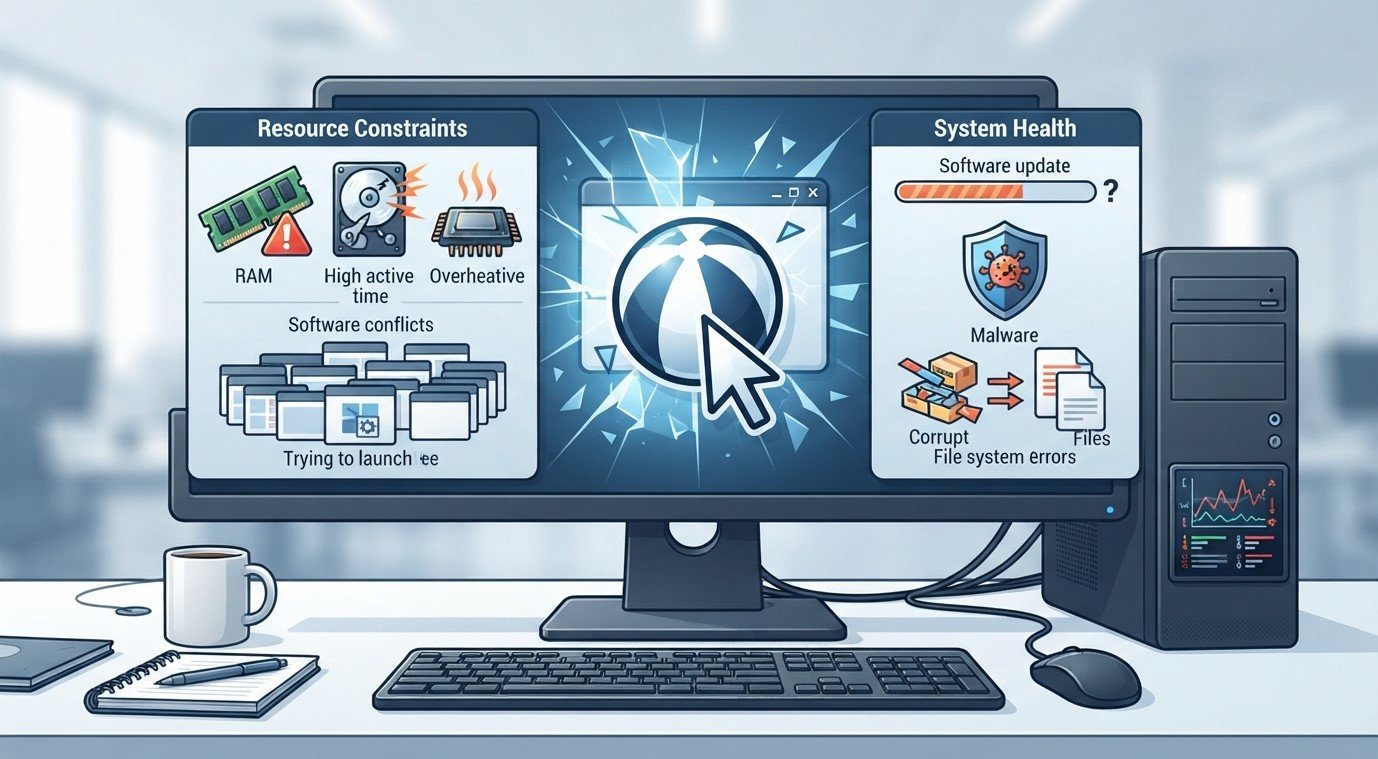
A computer that freezes whenever you open a program can interrupt your work, slow down productivity, and make everyday tasks frustrating. This issue may be caused by insufficient memory, outdated drivers, corrupted system files, or malware. Understanding the reason can help you find the right solution. If the problem continues, computer repair Albany services can help diagnose persistent performance issues and restore smoother operation.
Table of Contents
- Common Reasons Your Computer Freezes
- Troubleshooting Tips and Solutions
- When to Seek Professional Repair
- Frequently Asked Questions
1. Common Reasons Your Computer Freezes
Several issues can cause a computer to become unresponsive when launching applications.
Insufficient RAM
Running multiple applications simultaneously can consume available memory. When your computer does not have enough RAM, programs may take longer to open or cause the system to freeze.
Outdated or Corrupted Drivers
Drivers help your operating system communicate with hardware components. Outdated or incompatible drivers can create software conflicts and performance problems.
Malware or Viruses
Malicious software can consume system resources, interfere with applications, and cause unexpected freezing.
Overheating
Excessive heat can affect processor performance and cause system instability. Dust buildup, blocked ventilation, or cooling problems may contribute to overheating.
Corrupted System Files
Damaged operating system files or incomplete software installations can prevent applications from opening correctly.
2. Troubleshooting Tips and Solutions
Try these practical steps to reduce freezing problems.
Close Unnecessary Programs
Open Task Manager in Windows and review which applications are using the most memory and CPU resources. Close programs you are not currently using.
Update Windows and Device Drivers
Install available Windows updates and check for compatible driver updates through Device Manager or your computer manufacturer’s official website.
Scan for Malware
Run a full scan using reputable, updated security software. Remove or quarantine detected threats according to the program’s recommendations.
Check for Overheating
Make sure your computer has proper ventilation. Clean accessible air vents carefully and avoid placing the desktop or laptop on surfaces that block airflow.
Run System File Checker
Windows includes a System File Checker tool that can identify and repair certain corrupted system files. Open Command Prompt as an administrator and run:
sfc /scannow
Wait for the scan to finish and follow any repair instructions.
Check Available Storage
A nearly full system drive can affect performance. Remove unnecessary files, uninstall unused applications, and keep sufficient free storage space.
3. When to Seek Professional Repair
If your computer continues freezing after these steps, the problem may involve failing RAM, a damaged storage drive, motherboard issues, or deeper operating system errors.
A professional technician can test hardware components, inspect system performance, identify software conflicts, and recommend appropriate repairs. Choosing the best computer repair in Albany can help you find the underlying cause instead of repeatedly applying temporary fixes.
4. Frequently Asked Questions
Why does my computer freeze when opening applications?
Common causes include insufficient RAM, outdated drivers, malware, overheating, and corrupted system files.
Can low RAM make a computer freeze?
Yes. When available memory is insufficient, applications may become unresponsive, particularly when several programs are running.
Can malware cause computer freezing?
Yes. Malware can consume system resources and interfere with normal application operations.
Will restarting my computer fix freezing problems?
Restarting may resolve temporary software glitches, but recurring freezes usually require further troubleshooting.
When should I contact a computer repair technician?
Seek professional help if freezing continues, multiple programs become unresponsive, or you notice unusual hardware behavior.
Get Professional Computer Repair Assistance
A computer that repeatedly freezes when opening programs may have a software or hardware problem. Updating drivers, checking memory usage, scanning for malware, and maintaining proper ventilation can help resolve many common issues.
If your computer continues freezing, visit Computer Repair Albany for professional troubleshooting and repair assistance.