
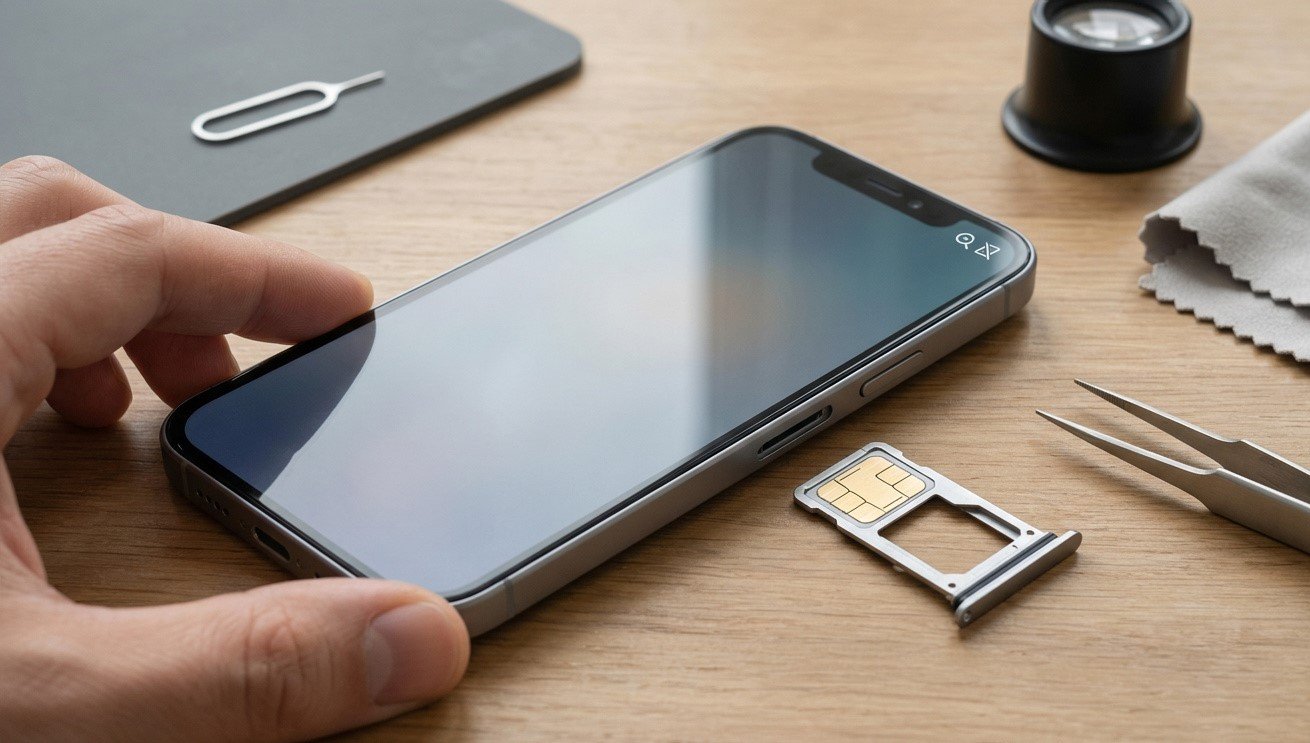
A phone displaying “No SIM” even when the SIM card is properly inserted can be frustrating, especially when you need to make calls, send messages, or use mobile data. This problem may occur because of a damaged SIM card, software glitches, network settings, or an issue with the phone’s SIM reader. MyRepairStore, known for providing services as the best cell phone repair in Indian Trail, offers assistance with smartphone troubleshooting and repair. If you are looking for cell phone repair Indian Trail, understanding the possible causes of this problem can help you determine the next steps.
Table of Contents
- Common Reasons a Phone Shows No SIM
- How to Troubleshoot the No SIM Error
- When to Seek Professional Repair
- FAQs
- Conclusion
1. Common Reasons a Phone Shows No SIM
Several issues can prevent a phone from recognizing an installed SIM card.
Damaged or Faulty SIM Card
A SIM card may become worn, damaged, or stop functioning correctly over time. Even if it looks fine, the phone might not be able to read it properly.
SIM Tray Problems
A bent, loose, or improperly aligned SIM tray may prevent the card from making a proper connection with the phone’s SIM reader.
Software Glitches
Temporary software bugs or outdated operating system versions can sometimes interfere with SIM detection and cellular connectivity.
Network or Carrier Issues
Temporary carrier outages, account-related restrictions, or network problems may cause your phone to display a SIM-related error.
SIM Reader Hardware Problems
If the SIM reader inside the phone is damaged or malfunctioning, the device may fail to detect SIM cards consistently.
2. How to Troubleshoot the No SIM Error
Before considering professional repair, try these basic troubleshooting steps.
Restart Your Phone
Restarting your device can clear temporary software glitches and help it recognize the SIM card again.
Check the SIM Card
Turn off your phone and carefully check whether the SIM card is seated correctly in its tray. Make sure it is positioned according to the tray markings.
Test the SIM Card in Another Phone
If possible, check whether the SIM card works in another compatible phone. This can help determine whether the issue is related to the SIM card or your device.
Update Your Phone’s Software
Check for available software updates. Updates may fix bugs affecting cellular connectivity and SIM recognition.
Reset Network Settings
Resetting network settings may resolve configuration problems. Keep in mind that this can remove saved Wi-Fi networks, passwords, and other network preferences.
3. When to Seek Professional Repair
If your phone continues displaying “No SIM” after basic troubleshooting, the problem may involve the SIM reader, internal connections, or other hardware components. Repeated SIM detection failures, connectivity problems after a drop, or issues affecting multiple SIM cards may require professional diagnosis.
A repair technician can inspect the device, identify the underlying issue, and recommend an appropriate repair without unnecessary replacements.
4. FAQs
Why does my phone say No SIM when the card is inserted?
The SIM card may be faulty, incorrectly positioned, or not being detected because of a software or hardware problem.
Can a software update fix the No SIM issue?
Yes. Some SIM detection problems are caused by software bugs that may be resolved through system updates.
How do I know if my SIM card is damaged?
If your SIM card repeatedly fails to work in compatible devices, contact your mobile carrier to check or replace it.
Can a damaged SIM reader be repaired?
Depending on the phone model and extent of damage, a technician may be able to repair or replace the affected component.
5. Conclusion
A phone showing “No SIM” despite having a properly inserted card may have a SIM card issue, software glitch, network problem, or damaged SIM reader. Basic troubleshooting can help identify the cause, but persistent issues may require professional assistance. MyRepairStore, recognized as the best cell phone repair in Indian Trail, can help users investigate smartphone problems through professional diagnostics and repair services. If you need reliable cell phone repair Indian Trail, getting the issue checked can help you find the right solution and restore your phone’s connectivity.
Call to Action
Having trouble with your phone recognizing its SIM card? Visit MyRepairStore for professional smartphone troubleshooting and repair assistance in Indian Trail.